Vertical or square
9:16 for Shorts, Reels and TikTok, square for other networks; the framing slider picks the part of the picture you keep.
 Otocut
FR
Open Otocut
Otocut
FR
Open Otocut
Shorts, Reels and TikTok
Drop a landscape video: Otocut cuts it at every sentence, crops it to 9:16 and burns in the words as they are spoken. No watermark, no account, nothing uploaded.
Free, no sign-up, nothing is uploaded.
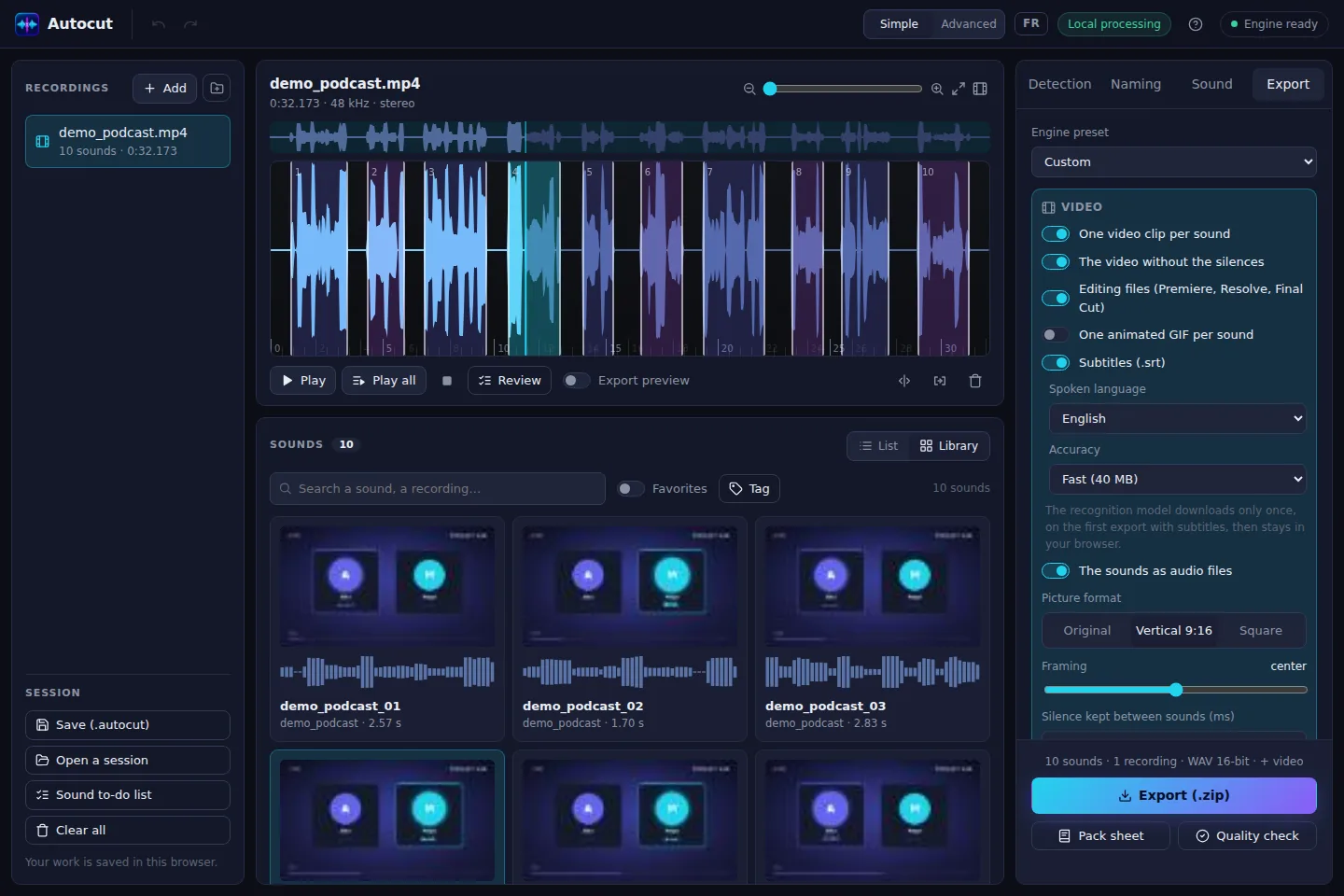
9:16 for Shorts, Reels and TikTok, square for other networks; the framing slider picks the part of the picture you keep.
A few words at a time, the current word in color, readable without sound.
Each part becomes an MP4 with its picture and sound, named after what is said.
A small animation of each part, to share on Discord or a website.
The whole video without the silences, for a punchier long version.
The video is read and re-encoded by your browser: no upload wait, no quota.
Open Otocut and drop your video or recording: Otocut instantly finds every part separated by silence.
Click a part to hear it, drag its edges, split or delete what's wrong.
Get a .zip with everything you need, ready to publish or drop into your software.
No. The clips are yours, with no logo or branding.
An up-to-date browser: Chrome and Edge are the most complete. Clips are written as MP4 (H.264 when the browser allows it).
French, English, Spanish, German, Italian, Portuguese, or automatic detection.
Other uses