.srt files
Read by YouTube, Premiere, DaVinci Resolve, VLC and most players.
 Otocut
FR
Open Otocut
Otocut
FR
Open Otocut
Automatic subtitles
Otocut recognizes speech right on your computer and writes .srt subtitles for your video, its version without the silences and each excerpt. Or burns the words into the picture.
Free, no sign-up, nothing is uploaded.
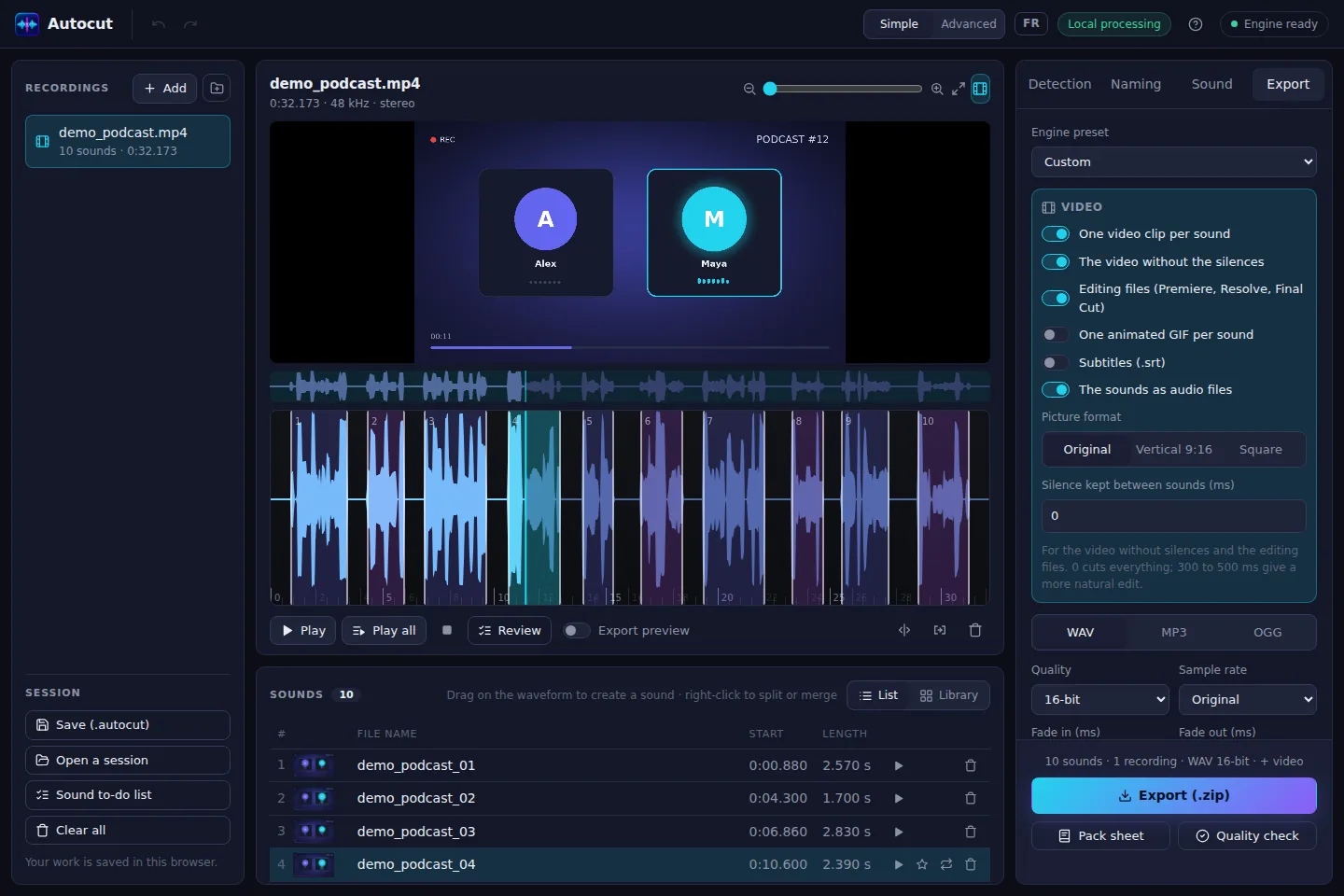
Read by YouTube, Premiere, DaVinci Resolve, VLC and most players.
Subtitles for the original video, the version without the silences and each clip.
The words in the picture, Shorts style, when the platform doesn't read .srt files.
All the text with timings in a .txt, with chapters for YouTube.
The Whisper model runs in your browser: your video never leaves your computer.
Two models, 40 and 80 MB, downloaded only once.
Open Otocut and drop your video or recording: Otocut instantly finds every part separated by silence.
Click a part to hear it, drag its edges, split or delete what's wrong.
Get a .zip with everything you need, ready to publish or drop into your software.
Yes, with no length limit or account: the work happens on your machine.
Good on a clear voice. The “Precise” model makes fewer mistakes; always proofread before publishing.
No. Only the recognition model is downloaded, the first time.
Other uses